
Are you struggling to turn off your Kitchen Aid oven quickly and safely? Knowing the right steps can save you time and prevent any unwanted accidents in your kitchen.
Whether you're new to this oven or just need a refresher, this guide will walk you through simple, clear instructions to switch off your appliance with confidence. Keep reading to learn how to take control of your Kitchen Aid oven and keep your cooking space safe and stress-free.
Credit: www.kitchenaid.com
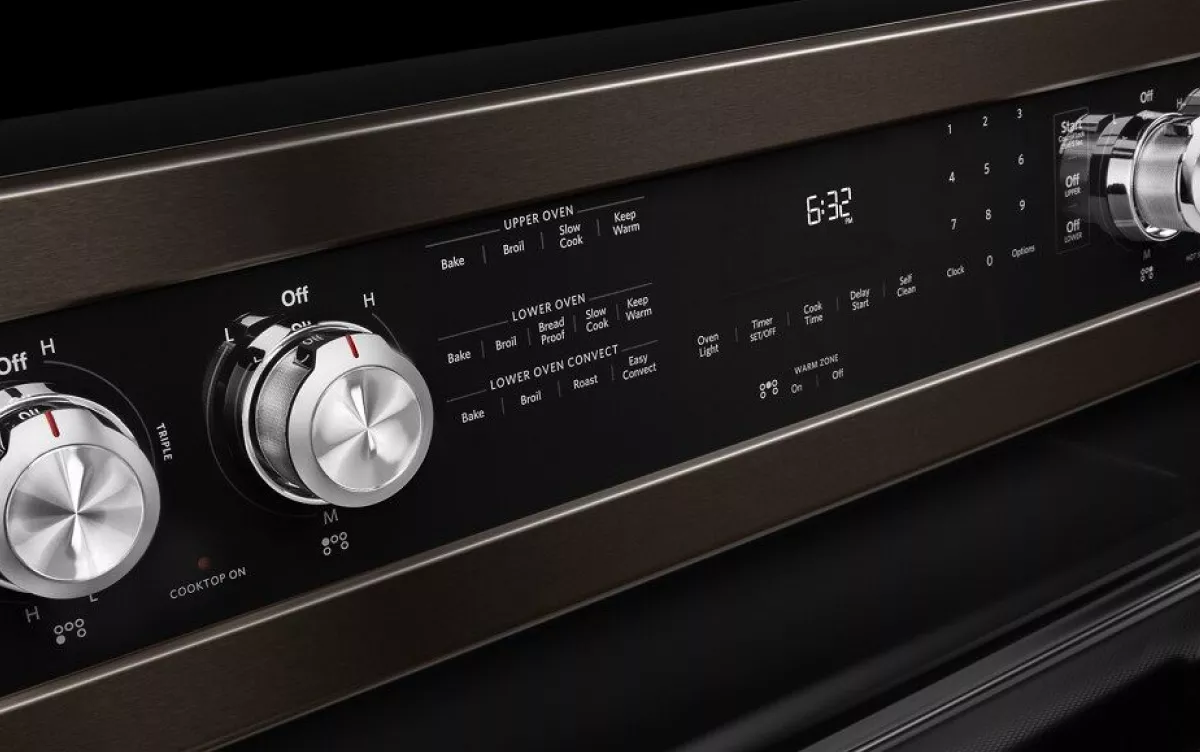
Locate The Control Panel
Before you can turn off your Kitchen Aid oven, you need to locate the control panel. This is where all the settings and commands are managed. Knowing exactly where to find it makes shutting off the oven quick and stress-free.
Recognize The Typical Location Of The Control Panel
Most Kitchen Aid ovens have the control panel positioned on the front, usually above the oven door. It often features buttons, knobs, or a touchscreen display. If your oven is a wall model, the control panel might be on the top edge or front face.
Identify The Control Panel Features
The control panel usually includes a digital display showing time, temperature, and cooking modes. You’ll see clearly labeled buttons such as “Bake,” “Broil,” “Timer,” and “Cancel.” Some models include a touchpad, which can respond to a light press.
Check For Safety Locks On The Panel
Some Kitchen Aid ovens have a control lock feature to prevent accidental changes. Look for a lock symbol or a “Control Lock” button. If the panel is locked, you won’t be able to turn off the oven until you disable this feature.
Use Your Oven Manual Or Online Resources If Needed
If you’re unsure where your specific model’s control panel is, the user manual is a great resource. You can also visit Kitchen Aid’s website for diagrams and videos. Having a clear picture in mind helps prevent fumbling around when you’re in a hurry.
Identify The Power Off Button
Knowing how to identify the power off button on your Kitchen Aid oven is important. This button stops the oven from heating and turns off all functions. It helps save energy and keeps your kitchen safe. Finding this button quickly can prevent accidents and make your cooking easier.
The power off button is usually on the control panel. It looks different depending on your oven model. Some ovens have a dedicated button, while others use a touchscreen option. Understanding these differences helps you use your oven correctly.
Look For A Button Labeled “off” Or “cancel”
The most common power off button is marked “Off” or “Cancel.” It is often near the start or timer buttons. Pressing this stops the oven immediately. This button might be physical or part of a digital display.
Check The Touchscreen Control Panel
Many Kitchen Aid ovens have a touchscreen panel. The power off option can appear as a symbol or word. It might be a square, circle, or a simple word like “Off.” Tap this to turn off the oven.
Refer To The Oven’s User Manual
The user manual shows exact button locations. It helps find the power off button on your specific model. Manuals also explain how to use the control panel safely. Keep your manual handy for quick reference.
Identify The Power Button By Its Color Or Shape
Some ovens highlight the power off button with a color. It may be red or another bright shade. The shape can be different too, like a circle or square. This visual hint helps find the button fast.
Manual Shutdown Methods
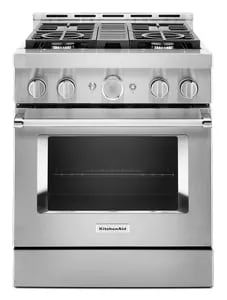
Turning off a Kitchen Aid oven manually involves pressing the "Off" or "Cancel" button on the control panel. Wait for the oven to cool before touching any surfaces to avoid burns. Always ensure the oven is fully off before cleaning or maintenance.
Turning off your KitchenAid oven might seem straightforward, but understanding the manual shutdown methods can save you from unnecessary hassle. Whether you're rushing out of the house or simply done with dinner prep, knowing how to properly power down your oven ensures safety and efficiency. Let's explore the manual methods that can keep your kitchen running smoothly.
Using The Cancel Button
The cancel button is your first go-to for a quick and hassle-free shutdown. This button is usually located on the control panel, easily within reach. Press it once, and your oven should stop its current operation immediately. It's like hitting pause on your remote; the oven stops heating, and any timers are canceled. Have you ever noticed how much easier it is to remember simple actions like pressing a button, especially when you're in a rush? This method is designed for those moments when simplicity is key.
Turning Off The Oven Knobs
For those who prefer a more tactile approach, turning off the oven knobs is another effective method. Locate the knobs that control the oven's temperature and settings. Turn each knob to the 'off' position. This is particularly useful if you're dealing with a power outage or a malfunctioning control panel. Ever tried teaching a child to turn off a light switch? The same principle applies here—it's intuitive and straightforward, making it a reliable backup for everyone in the household. Manual shutdown methods are about making life simpler. What could be more reassuring than knowing you have multiple ways to ensure your kitchen's safety?
Using The Touchscreen Controls
Using the touchscreen controls on your Kitchen Aid oven makes turning it off quick and easy. The display is clear and responds to simple taps. This section explains how to navigate the menu and select the off option. Follow these steps to safely power down your oven.
Navigating The Menu
Start by touching the oven's main screen. The menu shows various options like bake, broil, and timer. Look for the icon or button that leads to the power controls. Sometimes it appears as a gear or settings symbol.
Tap the menu carefully. The screen will change to show more choices. If you do not see the off option, swipe or scroll down. The touchscreen responds well to light touches.
Selecting The Off Option
Once you find the power or oven control menu, look for the "Off" button. It is usually bold or highlighted. Tap this button to stop the oven's heating elements immediately.
The oven might beep or show a message confirming it is off. Check the display to ensure no temperature or timer is active. This confirms the oven is completely turned off.
Power Cycle For Reset
Power cycling your Kitchen Aid oven is a simple yet effective way to reset it when you face unresponsive controls or unusual behavior. This process cuts off the oven's power completely, allowing the internal systems to reboot. It’s a practical first step before calling for professional help.
Unplugging The Oven
Start by locating the power cord at the back of your oven or the outlet it’s plugged into. Gently unplug the oven from the electrical socket to ensure no power is running through the appliance. If your oven is hardwired, switch off the corresponding circuit breaker in your home's fuse box.
Have you ever noticed how a quick unplug can fix gadgets? Your oven works the same way—it needs a full power cut to clear its memory and reset.
Waiting Period Before Restart
After unplugging, wait at least 60 seconds before reconnecting the power. This waiting period allows all residual electricity to drain from the oven’s circuits. It’s a small pause that can make a big difference in resolving the issue.
Resist the urge to rush this step. Giving your oven time to fully reset can prevent repeated glitches and save you from unnecessary frustration.
Safety Tips When Turning Off
Turning off your Kitchen Aid oven safely is very important to prevent accidents. Follow simple safety tips to protect yourself and others in the kitchen. These tips help avoid burns and ensure the oven cools down properly.
Avoiding Burns
Always use oven mitts or thick cloths when touching the oven door or knobs. Keep your face and hands away from the oven opening to avoid hot steam or air. Never leave the oven unattended while cooking or right after turning it off. Teach children to stay clear of the oven to avoid accidental burns.
Checking For Residual Heat
After turning off the oven, wait a few minutes before cleaning or storing food inside. Use the oven light or carefully place your hand near the oven door to feel for heat. Residual heat can stay inside the oven and cause burns or fires. Avoid placing flammable items near the oven until it is fully cool.
Troubleshooting Power Issues
Power problems can stop your Kitchen Aid oven from turning off. These issues need quick fixes to avoid bigger troubles. Understanding common power faults helps in solving them fast and safely.
Oven Not Responding
An oven that does not respond may have power supply problems. Check if the oven is properly plugged in. Look for tripped circuit breakers or blown fuses in your home’s electrical panel. A loose power cord can also cause no response. Press the reset button on the oven if available. Sometimes, unplugging the oven for a few minutes resets its system. If the oven remains unresponsive, call a professional technician.
Control Panel Malfunctions
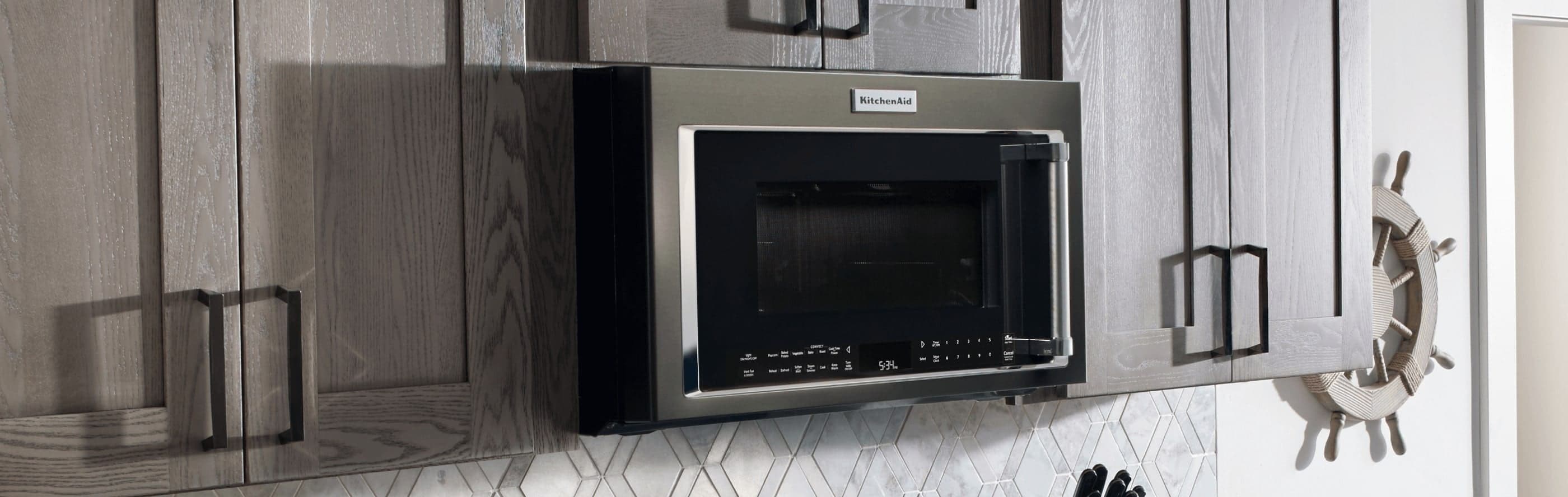
Control panel errors can prevent the oven from turning off. Dirt or moisture on the panel may block button functions. Clean the panel gently with a soft, dry cloth. Inspect for visible damage like cracks or stuck buttons. A faulty control board might need replacement. Avoid pressing multiple buttons at once to prevent errors. Resetting the oven by unplugging it can clear minor glitches. Persistent control panel problems require expert repair service.

Credit: www.hpgstore.com
Credit: www.kitchenaid.com
Frequently Asked Questions
How Do I Turn Off My Kitchen Aid Oven Manually?
To turn off a Kitchen Aid oven manually, press the "Off" or "Cancel" button on the control panel. This stops the heating process immediately and powers down the oven safely.
Can I Turn Off The Kitchen Aid Oven With A Power Button?
Most Kitchen Aid ovens do not have a dedicated power button. Use the "Off" or "Cancel" button on the control panel to shut it off instead.
What Should I Do If My Kitchen Aid Oven Won’t Turn Off?
If the oven won’t turn off, unplug it from the power source or switch off the circuit breaker. Then contact Kitchen Aid customer support for help.
Is It Safe To Turn Off The Kitchen Aid Oven Mid-cooking?
Yes, it is safe to turn off the oven mid-cooking using the "Off" button. However, ensure hot food is handled carefully to avoid burns.
Conclusion
Turning off your Kitchen Aid oven is quick and simple. Just follow the steps to ensure safety and save energy. Always check the oven display to confirm it is off. Keeping your oven clean helps it work better. Taking these small steps protects your kitchen and family.
Now you can use your oven confidently and without worry. Easy and safe every time.